
Gadgets and Tech
7 min read
How to Choose a Custom Mechanical Keyboard That Fits Your Typing Style
October 26 , 2026
By Ethan Carter
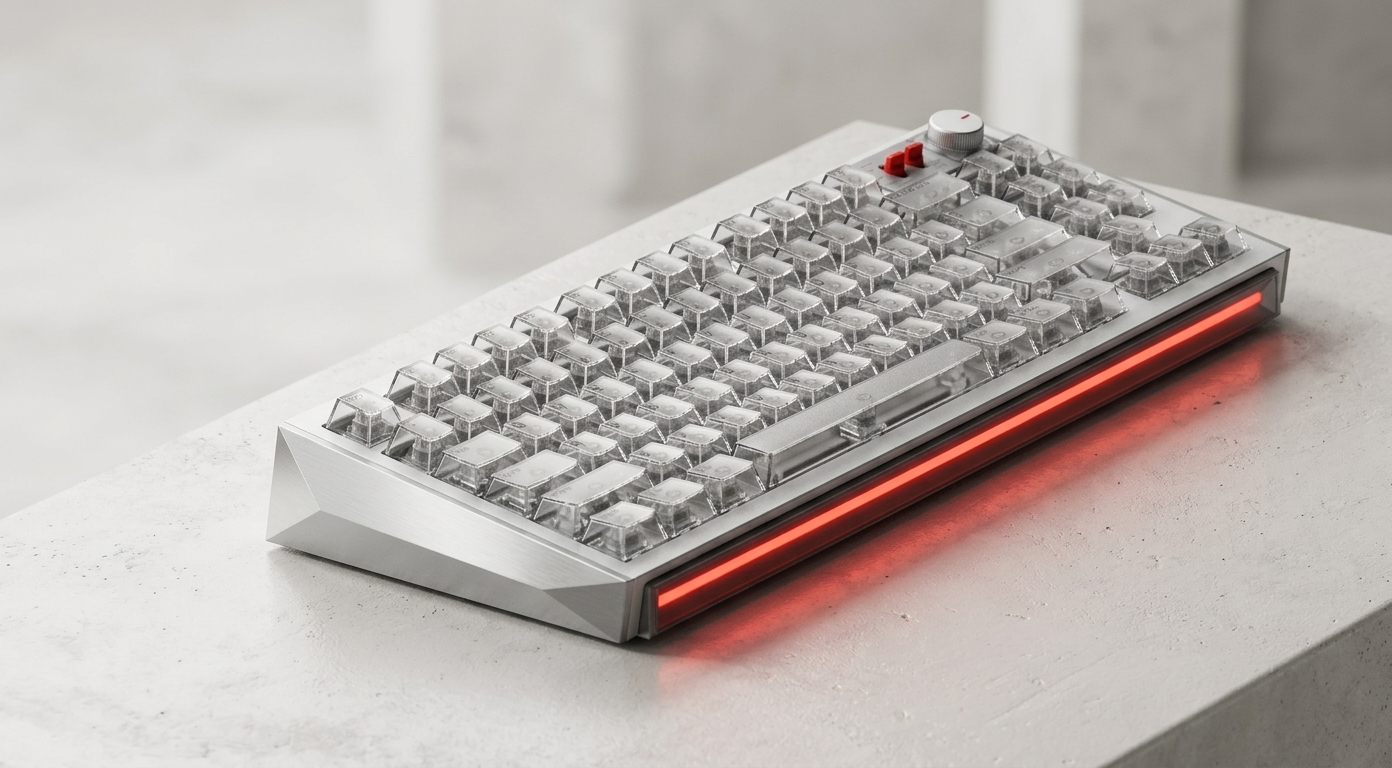
Learn how to choose a custom mechanical keyboard that suits your typing style, workspace, and gaming needs. Explore switches, layouts, keycaps, and hot-swappable features for a more personalised typing experience.
Have you ever bought a keyboard that looked great on your desk but felt uncomfortable after a few hours of typing? Maybe the keys feel too stiff, the layout takes up too much space, or the sound is louder than you expected. When you spend hours working, gaming, or writing, these small frustrations can make a big difference.
A Custom Mechanical Keyboard offers a way to create a typing experience that better matches your preferences. Instead of settling for a standard design, you can explore different switches, keycaps, layouts, and other features. If you want flexibility without replacing the entire keyboard whenever your preferences change, a Hot Swappable Keyboard is another feature worth considering.
The key is understanding which upgrades genuinely improve your daily experience and which ones are simply nice to have.
Why Does Your Current Keyboard Feel Wrong?
Not every keyboard suits every user. Someone who spends the day writing emails may prefer a different typing experience from a competitive gamer or a programmer working with shortcuts.
Keys Feel Too Heavy or Too Light
Mechanical switches come in different varieties. Some require more force to press, while others respond to a lighter touch. If the switches do not match your preferences, typing can feel tiring or less controlled.
Your Desk Feels Crowded
Full-size keyboards include a number pad and additional keys that some users rarely need. On a compact desk, this can leave less room for a mouse, notebook, or other essentials.
The Sound Is Distracting
Mechanical keyboards can produce different sounds depending on their switches, keycaps, stabilisers, and construction. A keyboard that sounds satisfying at home might be distracting in a shared office.
Your Preferences Change Over Time
You might initially prefer a firm, tactile typing experience but later want something smoother or quieter. With a conventional keyboard, changing that experience may require purchasing another device.
These problems explain why personalisation matters. The right setup should support your routine rather than force you to adapt to its limitations.
What Makes a Custom Mechanical Keyboard Different?
A Custom Mechanical Keyboard lets you tailor several aspects of your typing experience. Depending on the model, you may be able to select switches, replace keycaps, adjust the layout, and customise the appearance.
Here are the main components to understand before buying.
1. Mechanical Switches
Switches influence how each key feels and sounds. Common options include linear, tactile, and clicky designs.
Linear switches provide a smooth keystroke without a distinct tactile bump.
Tactile switches offer noticeable feedback during the keypress.
Clicky switches provide tactile feedback alongside a more pronounced clicking sound.
There is no universally best option. Linear switches may appeal to gamers who prefer smooth movement, while tactile switches can suit people who enjoy noticeable feedback when typing. Clicky switches can be satisfying, but they may not be ideal for quiet environments.
2. Keyboard Layout
The layout determines the keyboard's size and which keys are included. Full-size keyboards provide a number pad, while 75% and 65% layouts reduce the footprint by removing some keys or combining functions.
Before choosing a compact model, consider whether you regularly use the number pad, function row, or dedicated navigation keys. Saving desk space is helpful, but only if the layout remains practical for your work.
3. Keycaps and Build Quality
Keycaps influence the look, texture, and feel of a keyboard. Their material, shape, and profile can affect your typing experience, while the keyboard's frame and internal construction contribute to its overall feel.
A well-built keyboard can feel more stable and satisfying to use. However, premium materials alone do not guarantee comfort, so consider the complete design.
Why Choose a Hot Swappable Keyboard?
One of the most useful features for keyboard enthusiasts is hot-swappable switch support.
A Hot Swappable Keyboard allows compatible switches to be removed and replaced without soldering. This makes experimenting with different switch types much easier than working with a traditional soldered keyboard.
Experiment Without Replacing the Entire Keyboard
Suppose your current switches feel too heavy. If your keyboard supports hot swapping, you may be able to replace them with lighter compatible switches rather than buying a completely new keyboard.
Make Repairs More Convenient
If an individual switch stops working, it may be possible to replace that switch instead of repairing or replacing the whole keyboard. This depends on the fault and the keyboard's design, but the flexibility can be useful.
Discover Your Ideal Typing Feel
You do not need to know your favourite switch type before purchasing. A hot-swappable design gives you room to experiment as your preferences develop.
Before buying, check switch compatibility, socket type, pin configuration, and the manufacturer's instructions. Hot swapping generally means replacing switches without soldering; it does not necessarily mean switches can be changed while the keyboard is powered on. Disconnect the keyboard before making changes unless the manufacturer explicitly specifies otherwise.
How to Choose the Right Keyboard for Your Needs
Finding the right Custom Mechanical Keyboard becomes easier when you begin with your daily routine.
For Office Work and Writing
Prioritise comfort, reliable connectivity, and a layout that supports long typing sessions. If you share your workspace, look for quieter switches and a design that minimises distracting noise.
For Gaming
Consider responsiveness, layout, connection type, and whether the keyboard provides features that suit your games. A compact keyboard may leave more room for mouse movement, while a hot-swappable design allows you to experiment with different compatible switches.
For Programming and Productivity
Think about function keys, navigation controls, shortcuts, and the applications you use most frequently. A compact layout can work well, but only if you are comfortable accessing secondary functions.
For First-Time Keyboard Enthusiasts
Choose a keyboard that is easy to maintain and customize. A Hot Swappable Keyboard can be particularly valuable because it allows you to explore different switch types without committing to a single typing feel permanently.
Is a Premium Custom Keyboard Worth the Investment?
A premium keyboard can be worthwhile if you use it every day and value thoughtful design, dependable construction, and customisation options. However, the most expensive model is not automatically the best choice.
When comparing options, consider the following:
Switch compatibility and replacement options
Wireless and wired connectivity
Battery life for wireless models
Keycap quality and availability
Layout, dimensions, and desk-space requirements
Warranty, software support, and long-term maintenance
Brands such as NuPhy offer mechanical keyboards with distinctive designs and options across different sizes and styles. Depending on the model, you may find features suited to productivity, portable setups, or more personalised typing experiences. Check the specifications of each keyboard carefully, particularly if hot-swappable switch support is essential to you.
Upgrading can provide more than a visual refresh. A keyboard that fits your work habits may make everyday typing more enjoyable, while replaceable components can give you greater flexibility as your needs change.
Final Thoughts
Choosing a keyboard should involve more than colour, appearance, or online popularity. Think about how you type, where you work, how much desk space you have, and which features would make your routine easier.
A Custom Mechanical Keyboard gives you more control over layout, switches, and personalisation. A Hot Swappable Keyboard adds flexibility by allowing compatible switches to be changed without soldering, making experimentation and certain repairs more accessible.
If you are ready to improve your typing setup, explore the options available from NuPhy and compare each model's features against your actual needs. Start with comfort and functionality, then consider the customisation options that will make your keyboard feel like it was designed for you.
live smarter
Shop smarter, live better, and stay ahead of the trends with our reliable recommendations!
Home and Garden
6 min read
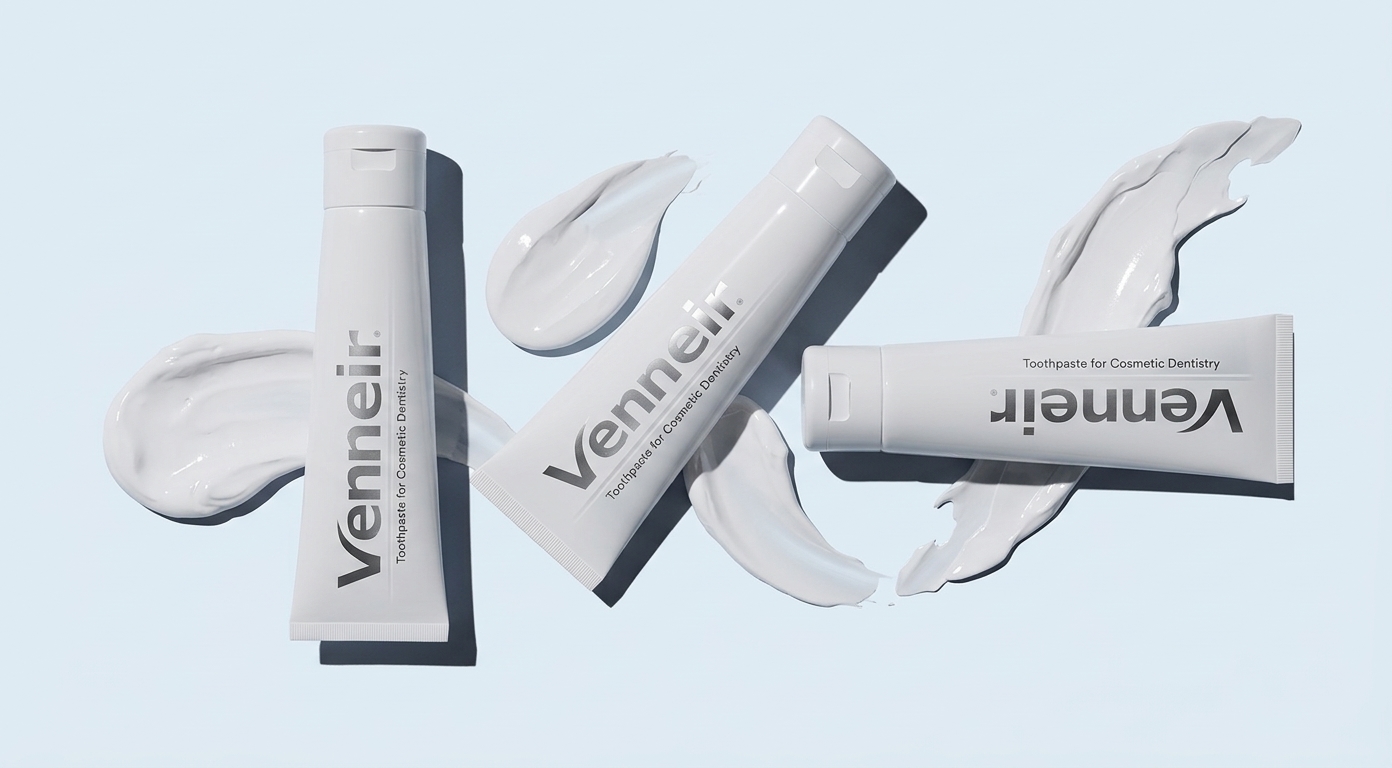
How to Choose Non Abrasive Toothpaste and a Teeth Whitening Kit for a Brighter Smile
Health and Beauty
7 min read
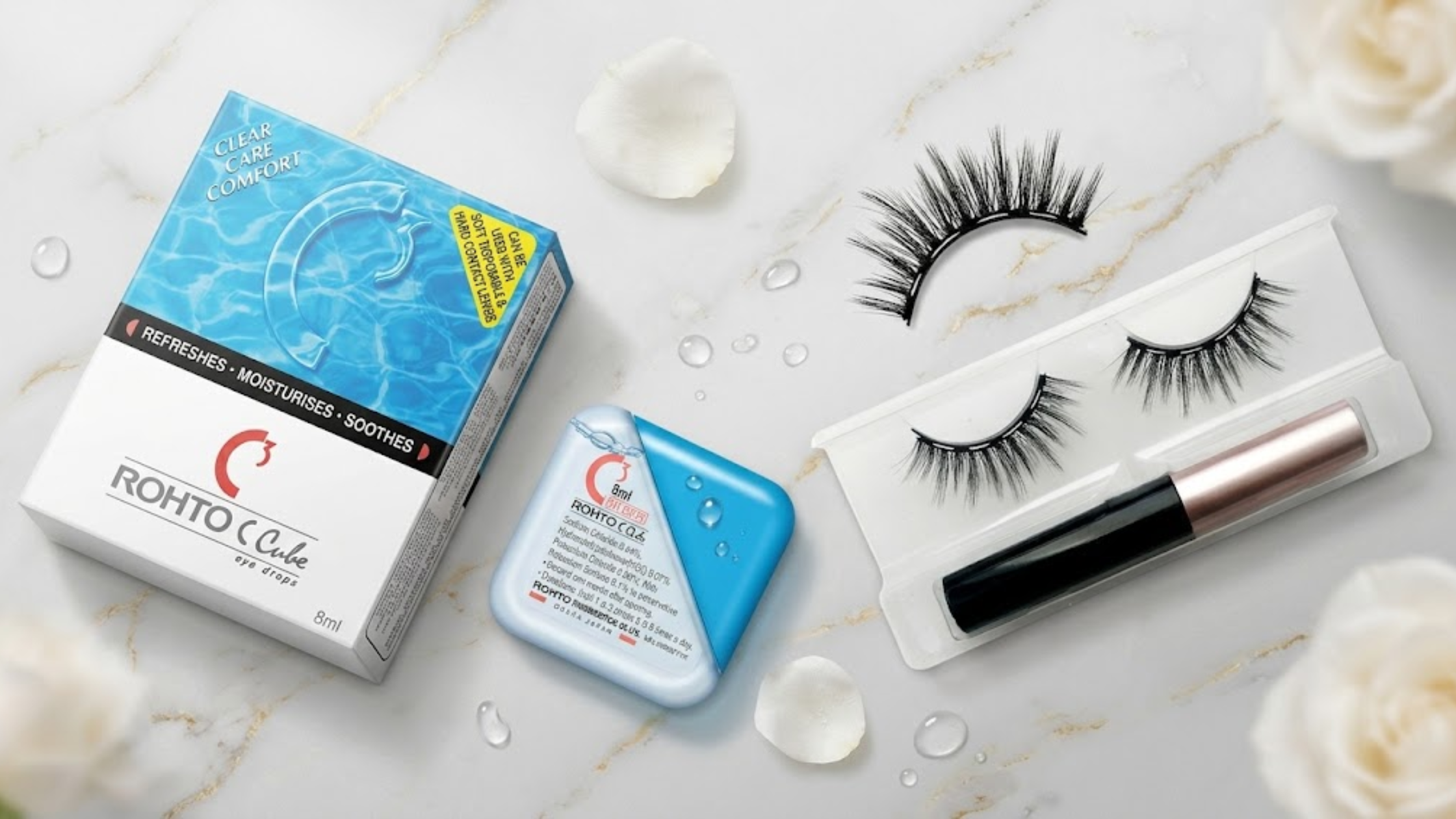
How to Create a Comfortable Beauty Routine With Magnetic Eyelashes, Rohto Eye Drops, and a Wig Cap
Fitness and Sports
7 min read
How to Improve Workout Performance With the Right Supplements and Nutrition

trending
Home and Garden
7 min read
How to Choose an Automatic Plant Watering System for a Healthier Garden
Gadgets and Tech
7 min read
How to Choose the Right Botanical Infusion Machine for Easier Home Preparation
Travel
7 min read
EPCOT Rides, Disney Springs Dining, and Walt Disney World Vacation Planning Tips
Fashion
6 min read
How to Choose Practical Outdoor Clothing
Health and Beauty
7 min read
How to Support Hair and Scalp Health With Zuma Shampoo, Zuma Supplements, and Acupuncture
Fitness and Sports
6 min read
How to Build a Sustainable Fitness Routine With Better Nutrition
N/A
7 min read